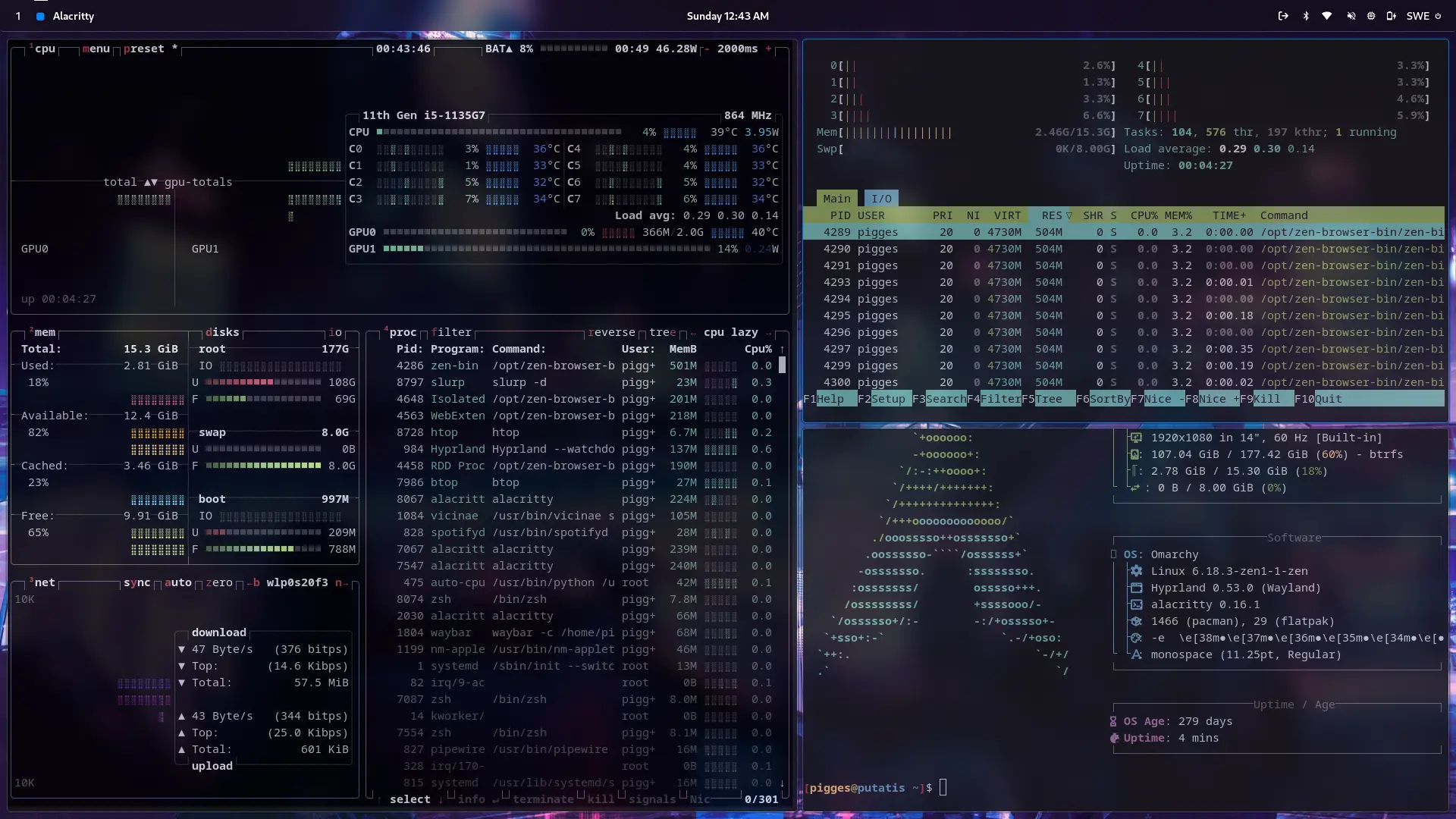
My personal story of ditching Windows for Arch Linux: minimal setups with AwesomeWM and Hyprland, surprising stability (1000+ days!), and how it helped me grow.
I’ve been running Linux as my daily driver for years now. Back in 2021, I finally hit a breaking point with Windows. Privacy concerns, general frustration, and the announcement of Windows 11 all pushed me over the edge. I’d been curious about Linux for a while, but fear held me back. My only prior experience was tinkering with a Raspberry Pi, mostly copying terminal commands from guides without truly understanding them, yet somehow reaching the end goal.
What finally tipped the scale? I was already following several Linux content creators, including Chris Titus Tech 🔗 (CTT), who was running Arch Linux at the time. I wanted that same freedom and control.
Everything aligned: I was fed up with Windows, worried about privacy, and ready for change.
Choosing My Setup: Arch Linux + AwesomeWM
Despite CTT’s own history of calling Arch “too unstable long-term” (he didn’t stay on it forever), I dove in anyway. Looking back, I got incredibly lucky. My install has been rock-solid.
I skipped traditional desktop environments like GNOME or KDE. Instead, I went with AwesomeWM, the same window manager CTT was using. It’s lightweight, no bloat, and most importantly, a tiling window manager. Unlike the stacking/floating style you’re used to on Windows or macOS, tiling automatically arranges windows into perfect grids. Everything is keyboard-driven: I move, resize, and switch windows without touching the mouse (though mouse support is still there when I want it). The productivity boost was immediate, I felt organized and in control like never before.
Preparation and Installation
Before touching my real hardware, I practiced the Arch install in a virtual machine multiple times, strictly following the official Arch Wiki guide. One small oversight almost bit me: I only practiced Legacy BIOS installs, but my PC was UEFI. Thankfully, it went smoothly anyway.
My system had two drives, a small SSD (where I left Windows) and a 1 TB HDD (where I installed Linux). I kept the dual-boot option as a safety net. After the install, I was off and running.
One thing that astonished me right away was how much faster Linux booted compared to Windows, even though Linux was on the slower HDD. That instant responsiveness sold me even more.
Early Days: Smooth Sailing (Mostly)
I expected chaos. Instead, I faced almost no major issues that a quick search couldn’t fix. The one persistent problem? Windows never appeared in my GRUB boot menu. I later learned the fix was simply enabling os-prober in the GRUB config. But I’m secretly glad it never worked. Forcing me to use the UEFI boot menu kept me on Linux 99% of the time.
Application compatibility was surprisingly good from day one:
- My main game, Counter-Strike: Global Offensive, ran perfectly thanks to Valve.
- Discord had official Linux support.
Today, it’s even better. Valve’s Proton makes the vast majority of Steam games “just work” (as long as they don’t have invasive anti-cheat). The Linux gaming experience has become fantastic.
Leveling Up: From AwesomeWM to Hyprland
As my Linux knowledge grew, I started customizing everything. I kept CTT’s minimal base and loved the clean setup. Then, in early 2023, Hyprland exploded in popularity, a Wayland compositor that doesn’t sacrifice on its looks. I was hooked. When I built my new PC that year, I switched to Hyprland immediately. I’ve been daily-driving it ever since.
Stability That Still Surprises Me
Here’s the part that sounds unbelievable to some people: I’ve never had a single catastrophic failure. No reinstalls, no broken systems. The current install on my main PC (from when I built the new system in early 2023) is over 1,000 days old as I write this. Arch gets a bad rap for being “unstable,” but with a bit of care, it’s been the most reliable OS I’ve ever used.
Laptop Adventures: A Little Distro Hopping
My main desktop stayed pure Arch, but my high-school laptop had a different story. I needed Windows for exams and secure boot was locked down (no way around it at the time), so I had to dual-boot.
- Started with Ubuntu (easiest option).
- Quickly switched to Debian (server install) because Ubuntu felt bloated on my tiny drive.
- Later moved to Fedora as a middle ground. More up-to-date than Debian but not quite as bleeding-edge as Arch.
Once I graduated and bought the laptop, I disabled secure boot and finally installed Arch. No more hopping!
Personal Reflection: Why Linux Felt Different
Looking back, my choices make perfect sense:
- Arch because I wanted minimalism and to learn everything from the ground up.
- AwesomeWM (and later Hyprland) because I craved a fresh, exciting way to interact with my computer.
This surprised me at first. Growing up, I hated change. New things, new routines, anything unpredictable stressed me out. So why was Linux different? Why did I want to dive into something so unfamiliar?
I think it’s tied to my deep love of learning. If a change lets me acquire new skills and understanding, I’m all in. (Contrast that with Counter-Strike: Global Offensive’s 2018 Panorama UI update: I didn’t touch the game for months because it felt like pointless change with no learning payoff.)
But it’s more than just learning for its own sake. Linux gave me a space where I could actively grow and get better at something that mattered to me. Every config tweak, every new tool I mastered, every problem I solved felt like real personal progress. It wasn’t random upheaval; it was deliberate self-improvement on my own terms. That made the discomfort of change feel worthwhile, even exciting.
In real life you can’t always choose what changes, but Linux taught me how to embrace the ones that matter, and how to turn them into opportunities to become a better version of myself.